Ableton Live 12.4.5 Beta Introduces Node.js-Based Extensions SDK
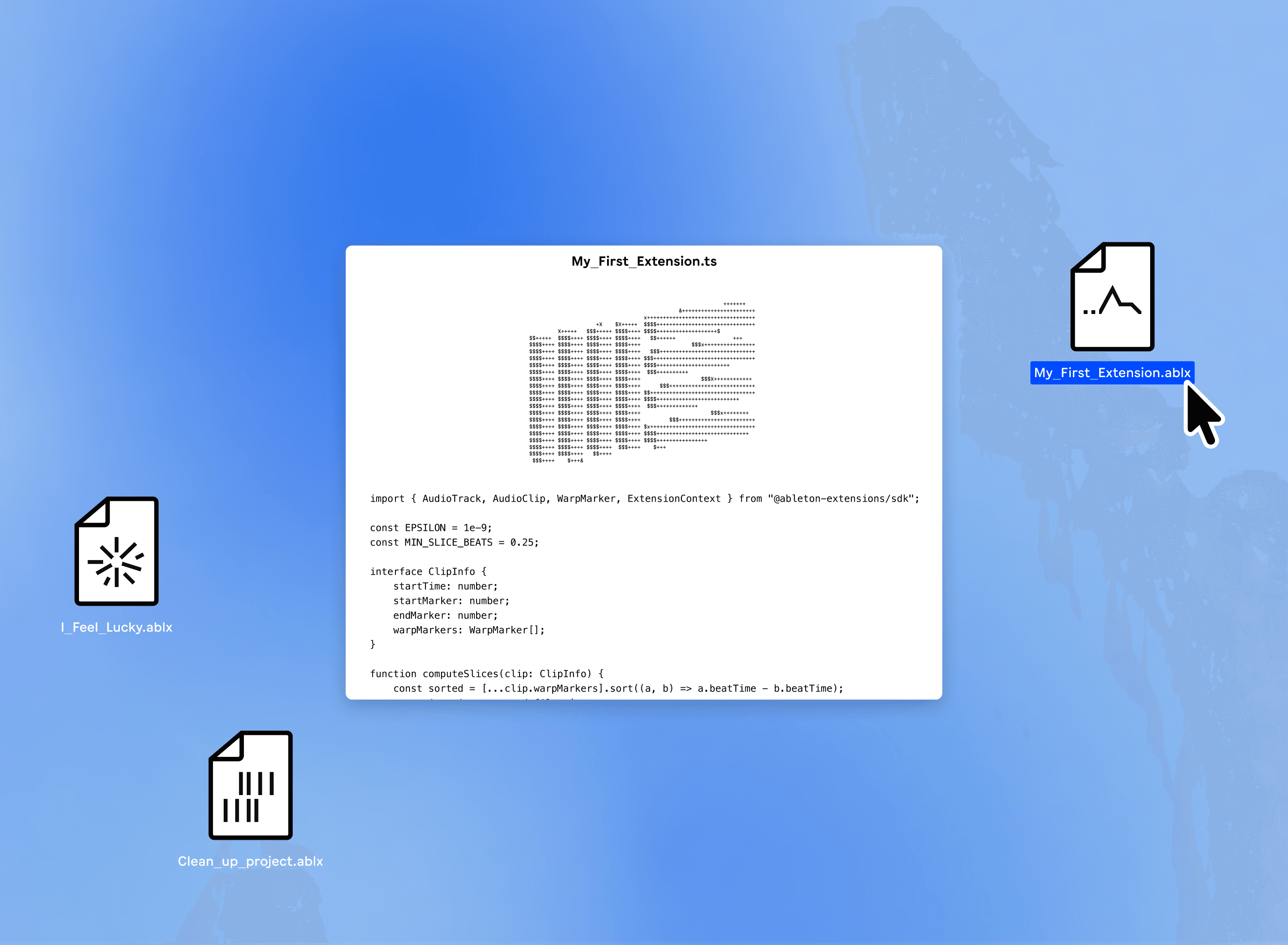
Ableton has released an Extensions SDK for Live 12 Suite Beta (version 12.4.5 or later), enabling developers to build JavaScript tools that interact directly with Live Sets. Extensions can manipulate tracks, clips, MIDI notes, devices, tempo, and more. They are triggered from the right-click context menu and run once per invocation.
How Extensions Work
Extensions are built on Node.js v24.16.0 LTS and the Ableton Extensions SDK. After installing an extension via Settings → Extensions, users right-click an item (e.g., a MIDI clip or track) and select the extension from the context menu. A pop-up allows parameter adjustment before execution. The extension runs, performs its task, and terminates.
What Can You Build?
Ableton lists several use cases: transform MIDI, analyze song structure, automate repetitive tasks, create generative patterns, connect to external services, or even play games inside Live. The SDK documentation is available on GitHub.
Extensions vs. Max for Live
Max for Live is a visual patching environment for synthesis and signal processing. Extensions are JavaScript tools that operate on the Set’s structure and data. They are simpler to write for developers familiar with web technologies, while Max for Live remains for deep audio manipulation.
Getting Started
To develop extensions, you need:
- Ableton Live 12 Suite Beta (12.4.5+)
- Node.js v24.16.0 LTS
- The Ableton Extensions SDK (from GitHub)
A basic extension might look like:
// Example: Double tempo extension
const { Live } = require('ableton-extension-sdk');

module.exports = async (context) => {
  const tempo = context.set.tempo;
  context.set.tempo = tempo * 2;
  return `Tempo doubled from ${tempo} to ${context.set.tempo}`;
};
This extension reads the current tempo, doubles it, and returns a message. It would appear in the context menu when right-clicking the tempo area.
AI Assistance for Non-Developers
Ableton notes that the SDK uses standard web technologies that AI coding assistants handle well. They claim that users with no coding experience can build working extensions by describing their idea to an AI assistant.
Availability
Extensions are exclusive to Live 12 Suite Beta (12.4.5+). They are not available in Live Standard, Intro, or Lite. The SDK is free to download from Ableton’s website.
Why This Matters
This SDK lowers the barrier for customizing Live’s workflow. Developers can now write automation scripts in JavaScript instead of learning Max’s patching language. It also opens Live to the broader Node.js ecosystem, enabling integration with web APIs, databases, and more.
Next Steps
Download the Ableton Extensions SDK from the GitHub repository, install Node.js v24.16.0 LTS, and start experimenting. Check the documentation for API details. If you’re not a developer, try describing your idea to an AI assistant to generate a working extension.