Major Updates to Gemini API File Search
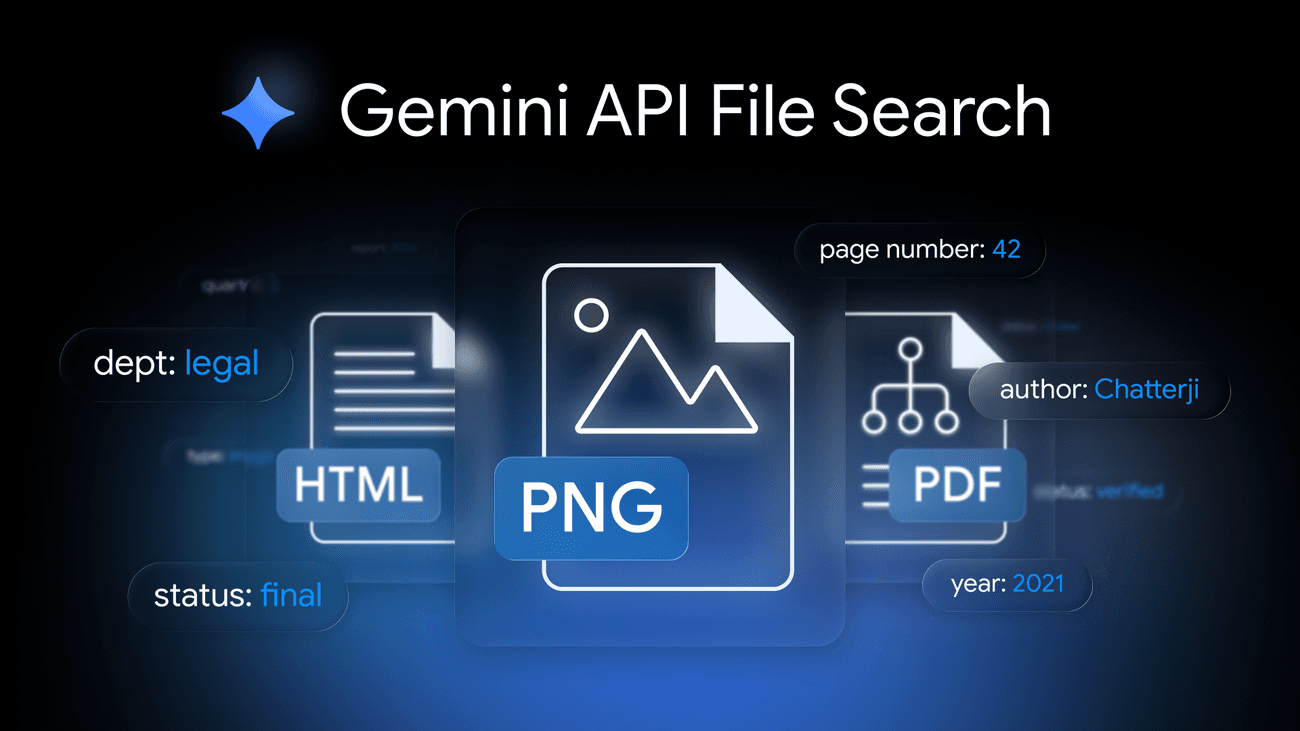
Google has announced significant enhancements to its Gemini API File Search tool, aimed at developers building retrieval-augmented generation (RAG) systems. The tool now supports multimodal data, allowing for the processing and organization of both text and visual data. This update is powered by the Gemini Embedding 2 model, which improves the tool's ability to understand native image data, providing contextual awareness to applications.
Multimodal Support
The addition of multimodal support is a game-changer for developers working with diverse data types. Traditionally, file search tools have been limited to text-based queries, but the updated Gemini API File Search can now process images and text simultaneously. For instance, a creative agency can use this feature to locate a specific visual asset by describing its emotional tone or visual style in natural language, bypassing the limitations of keyword or filename searches.
Custom Metadata for Enhanced Filtering
Another key feature is the introduction of custom metadata, which allows developers to attach key-value labels to unstructured data. This is particularly useful for filtering large datasets. For example, by tagging files with metadata such as department: Legal or status: Final, applications can filter requests to return only relevant documents. This reduces the noise in search results, thereby increasing the speed and accuracy of RAG workflows.
Page-Level Citations for Transparency
Page-level citations have also been added to the File Search tool. This feature enhances the transparency and verifiability of RAG systems by linking the model's responses directly to the original source material. When an application retrieves an answer from a large document, it can now specify the exact page from which the information was drawn. This granularity is crucial for building user trust and facilitating rigorous fact-checking.
Getting Started with File Search
Google aims to simplify the process of data storage and retrieval with the updated File Search tool, allowing developers to focus on product development rather than infrastructure. The tool's documentation includes code snippets and guides to help developers integrate these new features into their applications.
For example, a basic query to search for a file using custom metadata might look like this:
import gemini_api

client = gemini_api.Client(api_key='your_api_key')
result = client.file_search(query='emotional tone: happy', metadata_filter={'department': 'Legal'})
print(result)
The above code demonstrates how developers can leverage the new custom metadata feature to refine their search queries.
Conclusion
These updates to the Gemini API File Search tool are set to streamline the way developers manage and retrieve data, making RAG systems more efficient and reliable. Developers are encouraged to explore the updated documentation and integrate these features into their workflows.