1Password Lets Claude Use Your Passwords Without Seeing Them
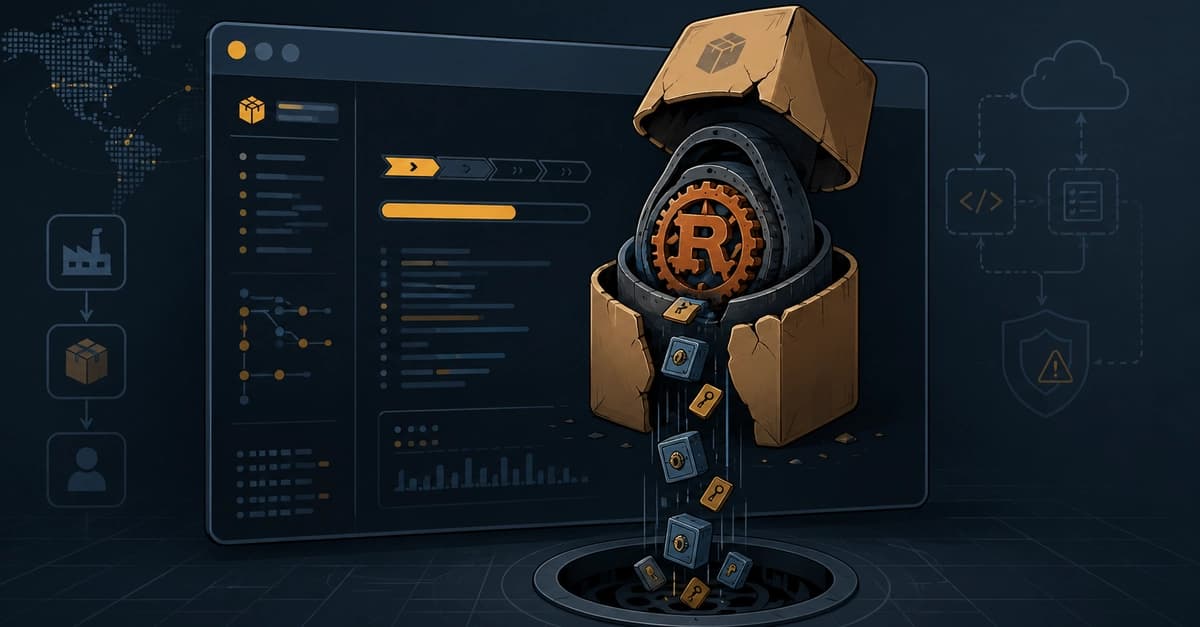
1Password has launched a browser integration that allows Anthropic's Claude to use your stored credentials to complete tasks on the web—without the passwords ever reaching the AI model. Announced Thursday, the integration uses what 1Password calls a "zero-exposure architecture."
When Claude hits a login page, 1Password shows you which credential is being requested and why. You approve via biometric authentication, and 1Password injects the login directly into the page. Claude never sees the vault item, password, or one-time code. Access ends when the task completes.
This solves a fundamental tension in agentic AI. Browser-based agents like Claude can navigate websites, fill forms, and complete purchases, but login pages have forced users to either hand over their password or take control themselves. 1Password claims this is the first browser integration that lets an agent use credentials without granting direct access to them.
How It Works
The integration requires: the 1Password desktop app, browser extension, Claude desktop app, and Claude browser extension. It's available now on Mac for business, family, and individual plans.
After autofill, 1Password checks whether secrets were exposed on the page. If submission fails, the extension clears the filled values before returning control to Claude. The credential stays encrypted and controlled by 1Password throughout the process.
The launch also introduces Agentic Mode, a feature in the 1Password browser extension that automatically locks down the vault when a compatible AI agent takes control. The agent can only use logins and one-time codes explicitly approved for the current task; the rest of the vault stays out of reach. Agentic Mode activates even if the 1Password-Claude integration is not configured, and supports agents beyond Claude.
Why Now?
The timing is notable given that security researchers recently demonstrated how AI browsers could be tricked into leaking user credentials through prompt injection attacks. Anthropic's own Claude extension was among those affected. 1Password CTO Nancy Wang said in the announcement that "the answer is not handing agents your secrets, but letting a user give an agent permission to use a credential without letting the agent see it." She called that distinction the foundation of trust in AI agents.
What's Next
1Password plans to add support for payment cards and identity details after launch. The company recently acquired Israeli startup Apono to govern AI agent access inside enterprise systems.
CNET's password manager expert Joe Supan said he would normally be very wary about giving an AI agent access to his password manager, but that 1Password appears to have several good guardrails in place, particularly biometric authentication for each login.
Practical Implications for Developers
If you're building agentic workflows or using Claude for browser automation, this integration offers a secure way to handle authentication without exposing secrets. The zero-exposure architecture could serve as a pattern for other password managers or identity providers.
To use it, install the 1Password desktop app (v8.10.20+), the 1Password browser extension (v2.23.0+), the Claude desktop app, and the Claude browser extension. Then enable Agentic Mode in the 1Password extension settings.
The Bottom Line
This is the first time a major password manager has built a dedicated secure channel for an AI agent to use credentials at runtime, rather than exposing them to the model's context. Whether the approach holds up against prompt injection attacks remains to be tested, but the architecture is a step forward for secure agentic AI.