A Preinstall Hook Ran Malware on npm install — Here's How
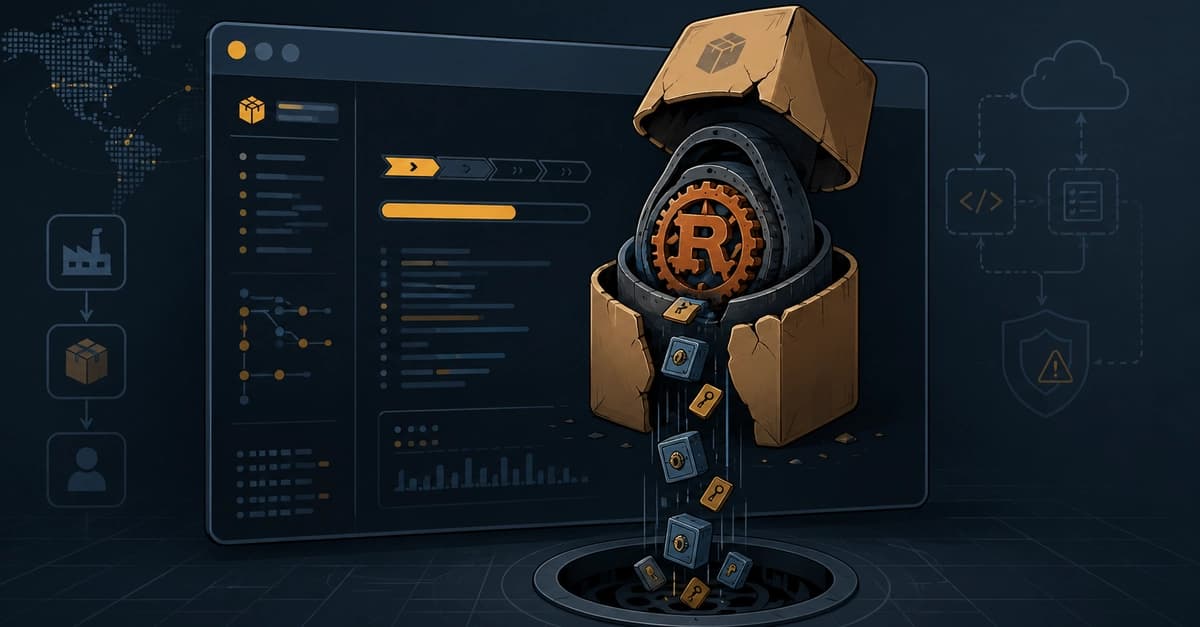
On July 11 2026, npm install jscrambler silently executed a Rust infostealer before the package finished installing. The attack used a preinstall hook, a feature in package.json that runs arbitrary code before the package is fully installed. Five malicious versions (8.14.0, 8.16.0, 8.17.0, 8.18.0, 8.20.0) were published over three hours. None had a matching commit in the project's GitHub repo—the npm artifacts and source code had diverged, indicating compromised publish credentials or a hijacked build pipeline.
The Attack Anatomy
The preinstall hook called dist/setup.js, a small loader. That loader fetched dist/intro.js, a 7.8 MB file containing three platform-specific binaries: Linux ELF, Windows PE32+, and macOS Mach-O. The loader selected the correct binary for the host OS, wrote it to a temp directory with a random name, and launched it detached. No visible output, no error.
The payload, written in Rust, targeted:
- Browser credentials from SQLite databases (Login Data, Cookies, Web Data) and LevelDB stores.
- Crypto wallets.
- Bitwarden vaults.
- Persistence via Task Scheduler (Windows) or LaunchAgent (macOS).
- Exfiltration through Tor to hide the drop server.
Socket flagged the malicious packages within six minutes, but most developers and CI pipelines don't run Socket.
Why AI Pipelines Are Especially Vulnerable
Agent-driven development amplifies the risk in three ways:
- No human reads the output. Agents run
npm installas an automated step; logs scroll by unseen. A clean preinstall hook produces no error. - Agent machines hold valuable credentials. Browser profiles with cached sessions are common for automation (e.g., Playwright). The payload targets exactly those stores.
- CDP sessions are high-value targets. Chrome DevTools Protocol sessions and cookies are the same data the stealer was built to exfiltrate.
What to Audit Now
1. Find all packages with install hooks:
npm ls --all --parseable 2>/dev/null | while read dir; do
  node -e "const p=require('$dir/package.json'); const s=p.scripts||{}; if(s.preinstall||s.install||s.postinstall) console.log(p.name+'@'+p.version)"
done
This reveals your real trust boundary—usually a handful of native modules.
2. Use --ignore-scripts deliberately:
npm install --ignore-scripts
This stops preinstall hooks, but note: two malicious versions (8.18.0, 8.20.0) moved the dropper into runtime code, bypassing this flag. It's not a complete shield.
3. Pin and verify with npm ci:
npm ci
Installs exact versions from package-lock.json, failing on mismatch. This prevents surprise updates.
4. Add a scanner:
npx socket install
Socket flagged this attack in six minutes. It's not a guarantee, but it beats finding out when your wallet empties.
The Tradeoff Nobody Wants to State Plainly
--ignore-scripts breaks native addons. node-gyp, sqlite3, playwright—all rely on install scripts to compile or fetch native parts. The real fix: install with --ignore-scripts by default, then selectively allow scripts for trusted packages. That's more config, but it turns "any package can run code at install" into "these four packages can, and I chose them."
Where I Landed
I didn't enable --ignore-scripts everywhere. I listed packages that need hooks, switched CI to npm ci against a verified lockfile, and treat any diff between an npm artifact and its GitHub source as an alarm. The primary control is admitting that "a human will spot something weird" was never true in an agent pipeline, and building a control that doesn't depend on it.